

7 Mistakes Hajj & Umrah Travelers Make with Saudi eSIMs (and How to Fix Them)
Hi, and welcome to myesims.com!
Planning your spiritual journey to Makkah or Madinah? That's beautiful... but here's something that catches thousands of Hajj & Umrah travelers off guard every single year: staying connected when you land in Saudi Arabia.
Whether you're coordinating with your group, navigating to the Haram, video-calling family back home, or keeping your WhatsApp group chats alive... you need data as soon as possible after you arrive.
And yet, so many pilgrims make the same connectivity mistakes that cost them time, money & unnecessary stress during what should be a peaceful, spiritual experience.
Let's fix that! Here are the 7 biggest mistakes Hajj & Umrah travelers make with Saudi eSIMs... and exactly how to avoid them. 🕋📱
Mistake #1: Queuing at the Airport for a Physical SIM Card
Picture this: you've just landed at King Abdulaziz International in Jeddah after a long flight... you're tired, you want to reach your hotel, and there's a 45-minute queue at the SIM card kiosk.
Sound familiar?
Why it happens: Airports get absolutely packed during Hajj & Umrah season. Everyone's trying to buy a SIM at the same time, and those kiosks? They only have so many staff members.
The fix: Buy your eSIM before you leave home! With myesims.com, you can purchase your Saudi Arabia eSIM online, install it from your living room, and get online shortly after landing in Jeddah or Riyadh. No queues. No stress. Just instant connectivity. ✅
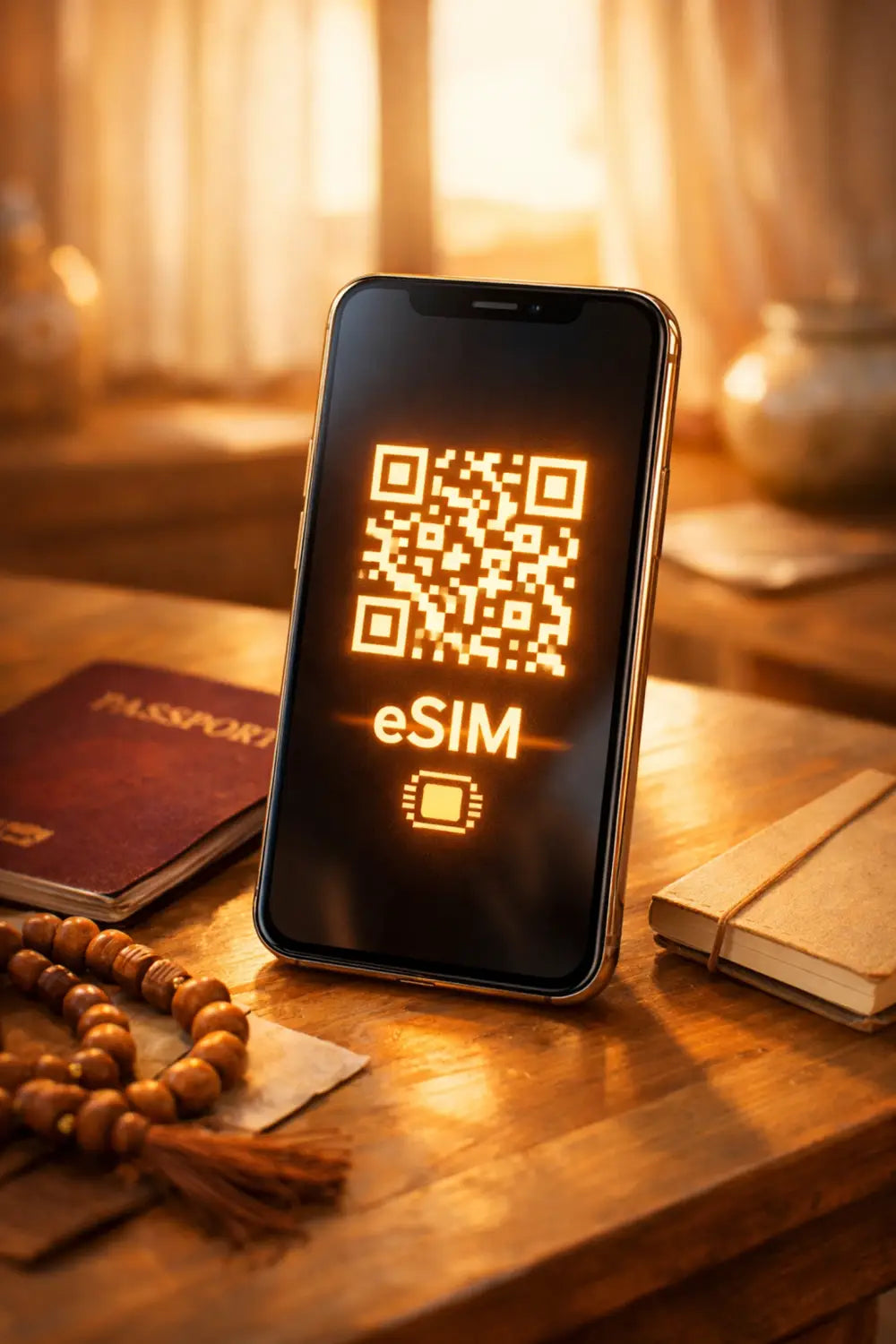
You literally scan a QR code, wait 5 minutes, and you're done. Airport? Skipped. 🎯
Mistake #2: Not Pre-Activating Your eSIM Before Departure
Alright, so maybe you've heard of eSIMs... but you're thinking: "I'll sort it out when I land."
Big mistake.
Why it's a problem: Even if you skip the physical SIM queue, trying to set up an eSIM for the first time in a busy airport with sketchy Wi-Fi? Recipe for frustration. Plus, you're wasting precious time when you could already be on your way to the hotel or connecting with your travel group.
The fix: Install your eSIM before you board your flight! Here's the beauty of it: you can download and install the eSIM profile at home (it takes less than 5 minutes). Your plan activation typically starts once you arrive and connect to a supported network (depending on plan terms).
That means shortly after your plane touches the tarmac (once you’ve connected)? You can get online. No faffing about. Just WhatsApp messages, Google Maps, and group coordination. 🚀
Check out our step-by-step guide here: How to Install an eSIM on iPhone & Android
Mistake #3: Forgetting to Enable Data Roaming
You've installed your eSIM... but when you land, your phone says "No Service." Panic mode activated. 😱
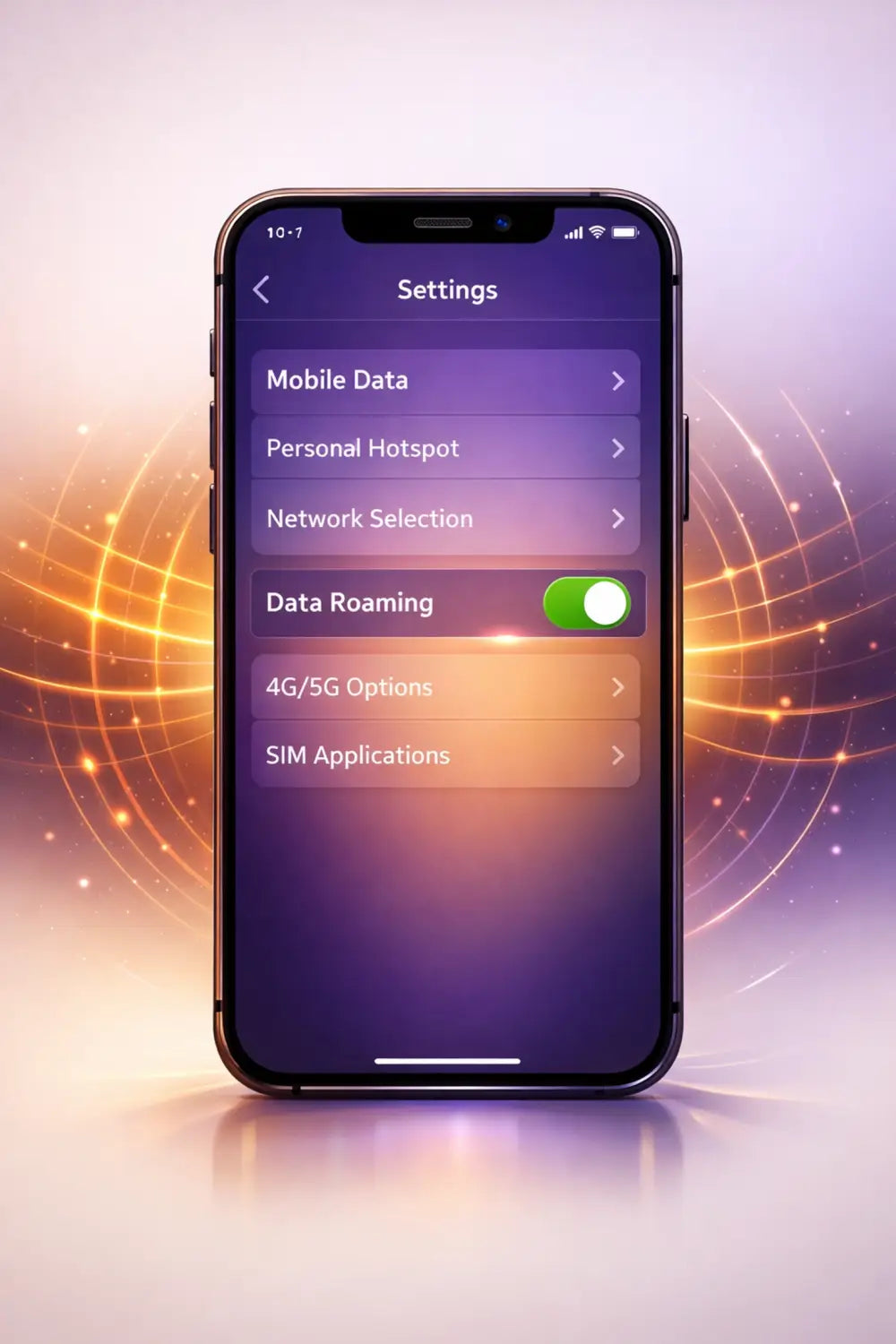
Why it happens: With many travel eSIMs, you’ll need to manually enable Data Roaming for the eSIM line to connect to a supported local network (for example STC, Mobily, or Zain depending on the plan).
Quick note (because this trips people up): enabling Data Roaming for your travel eSIM line is totally normal... and it doesn’t automatically mean you’ll get home-carrier roaming charges on your home SIM (as long as your home SIM data roaming stays off & your eSIM is set as the data line).
The fix: After installing your eSIM, go into your phone settings and turn ON Data Roaming for your eSIM line. Here's how:
- iPhone: Settings → Cellular → Your eSIM → Turn ON "Data Roaming"
- Android: Settings → Network & Internet → Your eSIM → Turn ON "Roaming"
Give it 30-60 seconds, and boom: you're connected! 📶
Mistake #4: Using Your Home Carrier's Expensive International Roaming
Look, we get it... it's easy to just turn on your regular carrier's international roaming and call it a day.
But here's the truth: it can add up quickly.
Why it drains your wallet: Many home-carrier roaming add-ons and day passes can stack up over a longer trip... especially if you’re there for 10–14 days and using maps, video calls, and group chats daily.
The fix: Switch to an eSIM designed specifically for Saudi Arabia! With myesims.com, all Saudi Arabia eSIM plans are data-only (no local phone number for traditional calls/SMS)... but you can still do voice & video calls in apps like WhatsApp, FaceTime, Zoom, etc. Plus, you can usually share your data via hotspot with your travel group or other devices (handy for families!).
You can choose a prepaid data plan that fits your trip, and it’s worth comparing your total trip cost (days away + expected data usage) before you decide. You can also keep your home SIM active for calls & texts while using the eSIM purely for data.
Win-win! 🙌
Mistake #5: Losing Your WhatsApp Connection & Family Group Chats
This one's huge for Hajj & Umrah travelers...
You arrive in Saudi Arabia, swap to a new local SIM, and suddenly... your WhatsApp number changes. Your family group chat? Gone. Your travel group coordination? Lost. Messages from loved ones back home? Not coming through.
Why it happens: When you replace your primary SIM with a physical Saudi SIM card, WhatsApp gets confused about which number to use.
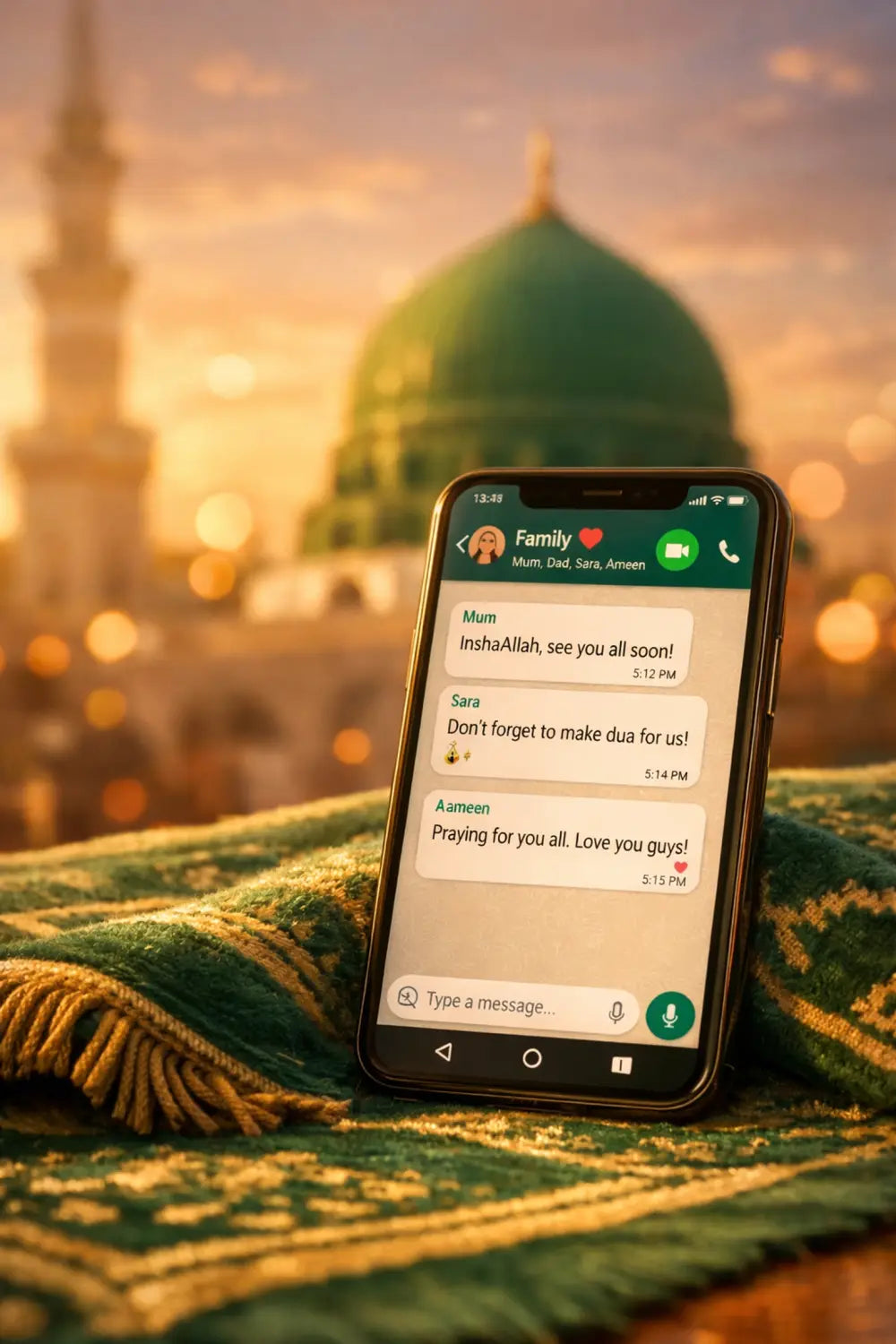
The fix: Use an eSIM instead of replacing your physical SIM! In most cases, you’ll keep the same WhatsApp number as long as you don’t re-register WhatsApp with a new number. You’re basically just adding a second line for Saudi data.
That means:
- Your WhatsApp stays connected to your home number ✅
- Family can still reach you instantly ✅
- Group chats keep working without re-verification ✅
- You stay connected to loved ones throughout your journey ✅
No interruptions. No confusion. Just seamless connectivity. 🤲📲

Mistake #6: Not Checking if Your Phone Supports eSIMs
Here's an honest question: does your phone actually support eSIMs?
A shocking number of travelers buy an eSIM plan... only to discover their phone isn't compatible. 😬
Why it happens: Not all phones support eSIM technology yet (though most newer models do).
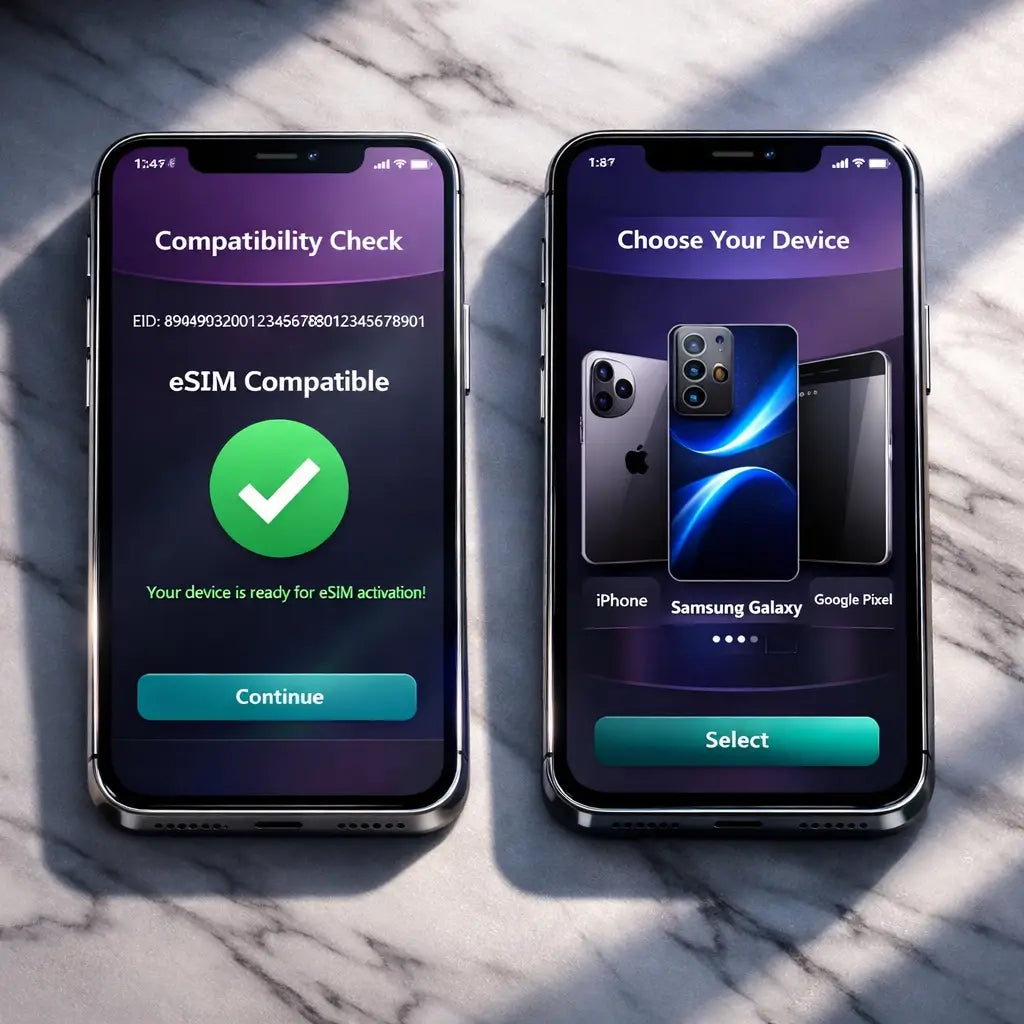
The fix: Check your device compatibility before you buy! Here's a quick way to check:
iPhone users: Dial *#06# on your phone. If you see an EID number (around 32 digits), you're good to go!
Android users (Pixel, Samsung, etc.): Go to Settings → About Phone → look for "EID" or "Digital SIM."
Most iPhone XS and newer, Google Pixel 3 and newer, and selected Samsung models support eSIMs (it varies by model/region). If you're unsure, check our compatibility list before you buy: https://myesims.com/pages/esim-compatibility-list ...or drop us a message! 💬
Mistake #7: Accidentally Deleting Your eSIM Profile
This one's a nightmare scenario...
You finish your trip, delete your Saudi eSIM thinking you can reinstall it later if needed... but nope. The QR code was one-time use only. It's gone. Forever.
Why it's a problem: Unlike apps you can re-download, eSIM profiles are linked to a unique activation code. Some eSIM QR codes are single-use, so if you delete the profile you may not be able to reinstall it without contacting support (and you may need a new QR code issued).
The fix: Don't delete your eSIM profile unless you're 100% done with it! If you're planning to return for Hajj after Umrah (or vice versa), keep the profile installed but just turn it off in your settings.
You can always disable the eSIM line without deleting it:
- iPhone: Settings → Cellular → Your eSIM → Turn This Line OFF
- Android: Settings → Network & Internet → Your eSIM → Disable
That way, it's safely stored for your next trip! 🛡️
Bonus Tip: Download Offline Apps Before You Land
Saudi networks can get seriously congested during peak Ramadan nights, Hajj season & around the Haram.
Smart move? Download essential apps for offline use before you even leave home:
- Quran apps with offline audio & translations 📖
- Prayer time apps (Muslim Pro, Athan, etc.) 🕌
- Offline Google Maps for Makkah & Madinah 🗺️
This way, even if the network slows down during peak times, you've still got everything you need at your fingertips.
Ready to Stay Connected During Your Pilgrimage?
There you have it: 7 mistakes that trip up thousands of Hajj & Umrah travelers every year... and exactly how to avoid them!
Here's the bottom line:
✅ Buy your Saudi eSIM before you leave home
✅ Install it in 5 minutes using our step-by-step guide
✅ Activate it instantly when you land
✅ Keep your WhatsApp number active for family & group chats
✅ Save money compared to international roaming
✅ Skip the airport queues entirely
Your spiritual journey deserves your full attention: not connectivity stress. Let us handle the tech so you can focus on what truly matters. 🤲✨
Before you checkout... quick tip: double-check your plan details (data allowance, validity period, and whether it’s data-only) so you pick the right option for your trip.
Shop our Saudi Arabia eSIM plans now & stay connected from Jeddah to Makkah to Madinah with ease!
🌐 Browse Saudi Arabia eSIMs at myesims.com
Important Notes (Please Read)
- Coverage & speeds vary by location, device, and network conditions... including congestion during peak periods.
- You’ll need an unlocked, eSIM-compatible phone.
- eSIM installation typically requires Wi‑Fi (or another internet connection).
- All Saudi Arabia eSIM plans are data-only (no local phone number for traditional calls/SMS)... but you can still make voice/video calls via apps like WhatsApp.
- You can usually share data via hotspot to other phones/tablets (great for your travel group).
- Plan validity / start time depends on the product terms (for many plans, it starts once you arrive and connect to a supported network).
Safe travels & may your pilgrimage be blessed. 🕋💚